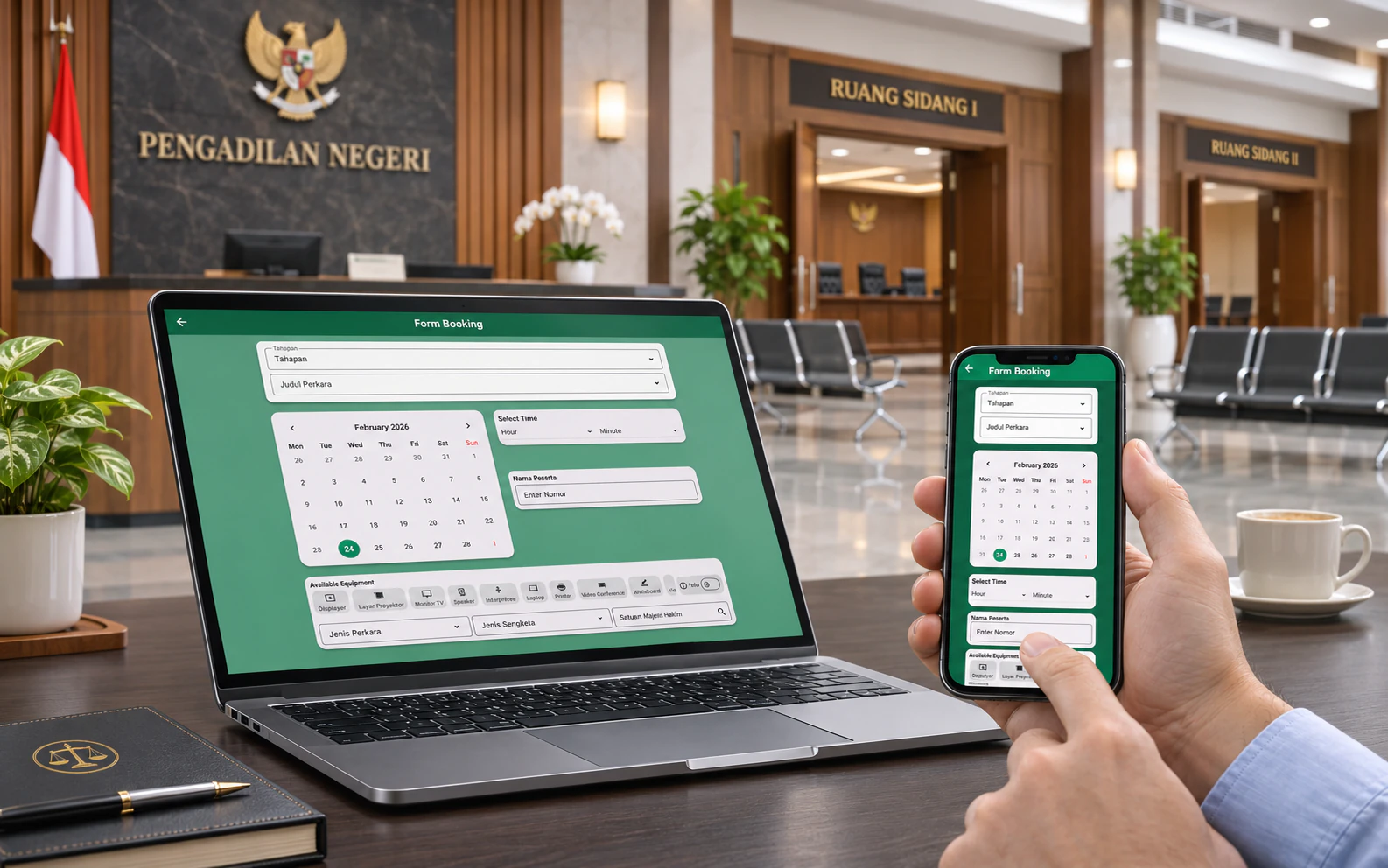
COURTROOM INFORMATION & SCHEDULING

COURTROOM INFORMATION & SCHEDULING

Helping Visitors Navigate the Courtroom With Confidence
๐Ÿ›๏ธ
A courthouse can have multiple courtrooms operating with different proceedings throughout the day. For visitors, parties, or other individuals attending a proceeding, finding the correct courtroom and understanding the relevant schedule is an important part of the overall experience.
๐Ÿ“‹
The Smart Scheduling Tablet provides a dedicated information point that can present courtroom-related information in a clear and structured manner.
โš–๏ธ
Rather than relying solely on printed notices or manually updated information boards, the system provides a digital interface that can be configured according to the operational requirements of the courthouse.
COURTROOM INFORMATION & SCHEDULING

Structured Information for Every Proceeding

Accurate proceeding details and secure access management for judicial facilities.

01โš–๏ธ

Accurate and Consistent Proceeding Details.

A courtroom schedule may involve multiple parties and legal information that needs to be presented accurately and consistently. By associating relevant information with each scheduled proceeding, the system provides a more organized way to present courtroom activities while helping authorized personnel maintain a consistent flow of information.
02๐Ÿ”’

Connected Access & Judicial Workflow.

The solution can also be connected with access management, allowing designated areas to use NFC credentials or facial recognition as part of their access workflow. This creates an opportunity to connect courtroom scheduling, information delivery, and controlled access within a single technology ecosystem.
STATUS INDICATOR

COURTROOM STATUS

Transparent Real-Time Hearing Status

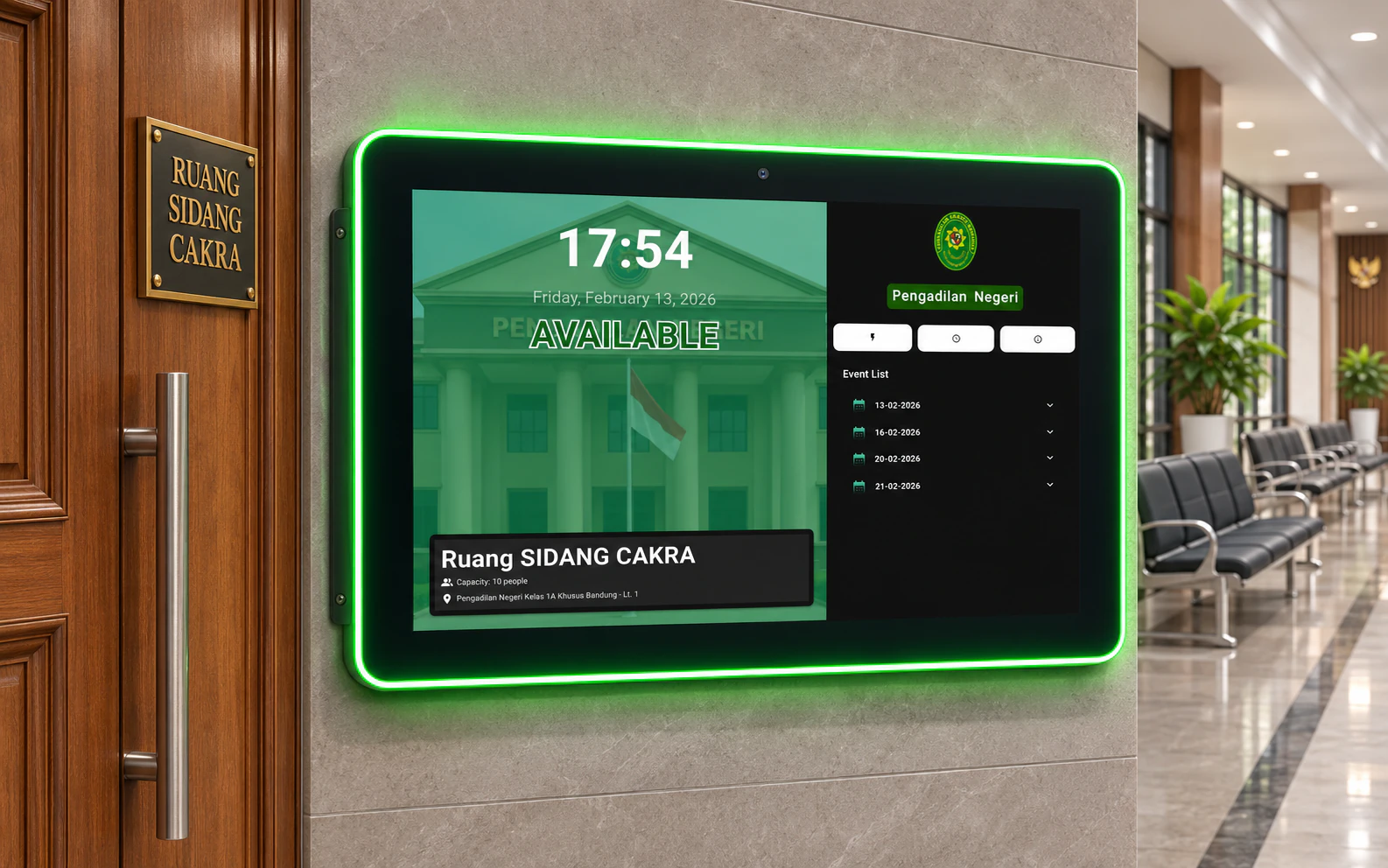
The Smart Scheduling Tablet provides an intuitive visual status indicator that allows visitors and court staff to understand courtroom proceedings at a glance.

COURTROOM INFORMATION & SCHEDULING
RED

PROCEEDING IN PROGRESS

YELLOW

PROCEEDING SCHEDULED SOON

GREEN

AVAILABLE

CHOOSE THE RIGHT SYSTEM

CHOOSE THE RIGHT SYSTEM

Standalone System or Access Management System

01โšก

01 โ€” Standalone System

๐ŸŽฏ
The Standalone System is designed for court facilities that require a dedicated digital scheduling and information display without the need for centralized cloud management.
Best suited for:
Smaller court facilitiesIndividual courtroomsIndependent locations
Standalone System
๐Ÿ“ฑ

Information is managed directly from the tablet installed at the designated location, making it suitable for smaller or more independent facilities.

๐Ÿ”’

It provides a straightforward way to modernize courtroom information without introducing a complex management infrastructure.

Upgradable to Cloud Architecture
02โ˜๏ธ

02 โ€” Access Management System

๐ŸŽฏ
The Access Management System is designed for court environments where information needs to be managed across multiple rooms or locations.
Best suited for:
Larger court facilitiesMultiple courtroomsCentralized administration complexes
Access Management System
๐Ÿ’ป

Authorized administrators and operators can manage courtroom information remotely through a PC, reducing the need to update individual tablets manually.

๐Ÿ“ฑ

Where applicable, the system can also provide a digital access point for users through a mobile application, creating a more connected information experience.

๐Ÿ›๏ธ

For larger court facilities, this centralized approach can help improve consistency, simplify administration, and provide greater control over information displayed across multiple courtroom locations.

Which One is Right For Your Facility?

  • Choose Standalone System if you need a simple, independent solution for a smaller facility or limited number of courtrooms.
  • Choose Access Management System if you manage multiple courtrooms and require centralized, remote administration across the facility.