
SMART SCHEDULING TABLET
Smart Scheduling, Access & Event Management
All in One
The Smart Scheduling Tablet is a dedicated smart display designed to simplify how spaces, rooms, courts, and facilities are scheduled, managed, and accessed.
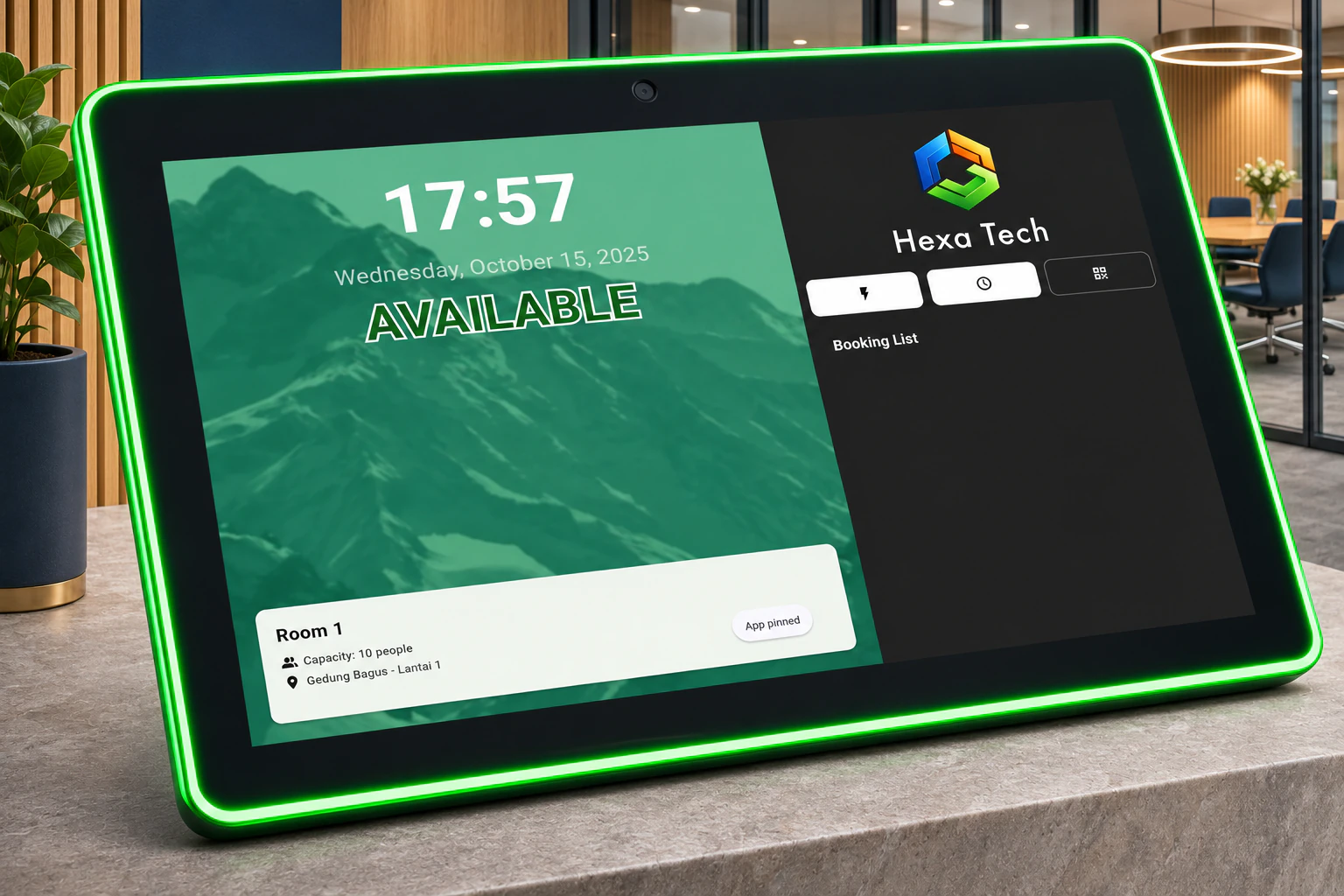
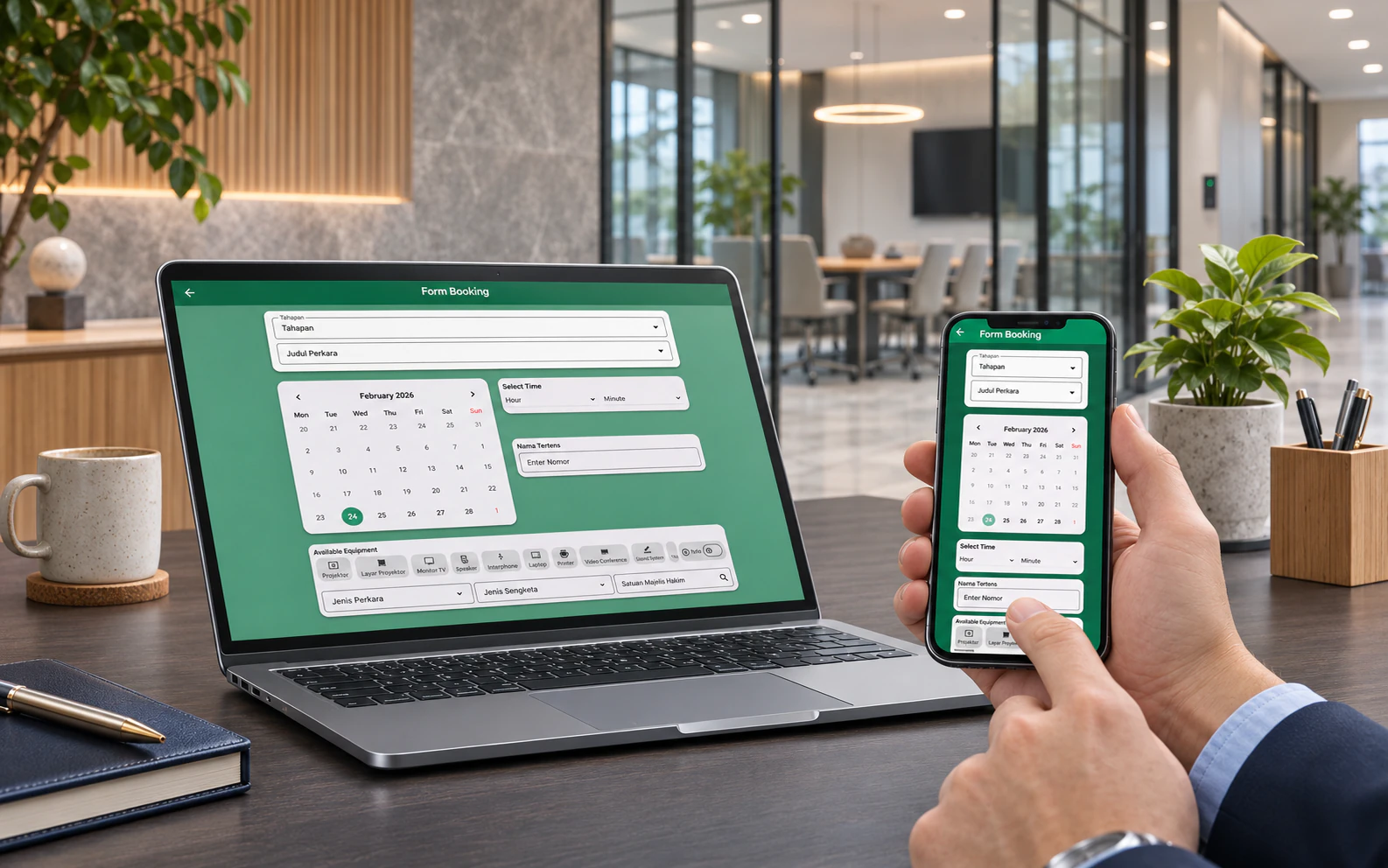
More than just a scheduling screen, it brings booking, event details, participant information, and access control into one integrated device. Users can check availability, create or reserve schedules, add relevant event requirements, and manage who is attending or using the space — all directly from the tablet.
Its compact and premium design makes it suitable for modern environments that want to improve operational efficiency, user experience, and the overall value of their facilities.
 Key Features.webp)
Key Features
Smart Scheduling
Event & Requirement Details
Participant Management
Smart Access Integration
REAL-TIME STATUS INDICATOR
The Smart Scheduling Tablet provides an intuitive visual status indicator that allows users to understand the current condition of the room or location at a glance. The integrated LED indicator changes according to the current scheduling status:
 Standalone.webp)
IN USE
UPCOMING
AVAILABLE
This simple visual system makes it easier for users to recognize availability and activity status without having to review the complete schedule.
Display & Hardware
| Specification | Details |
|---|---|
| Display Size | 10-inch |
| Display Type | OLED |
| Resolution | 2K |
| LED Indicator | Status-based LED lighting |
| NFC | Supported |
| Facial Recognition | Supported |
| Form Factor | Dedicated Smart Scheduling Tablet |
CHOOSE THE RIGHT ECOSYSTEM
ONE SMART SCHEDULING EXPERIENCE.
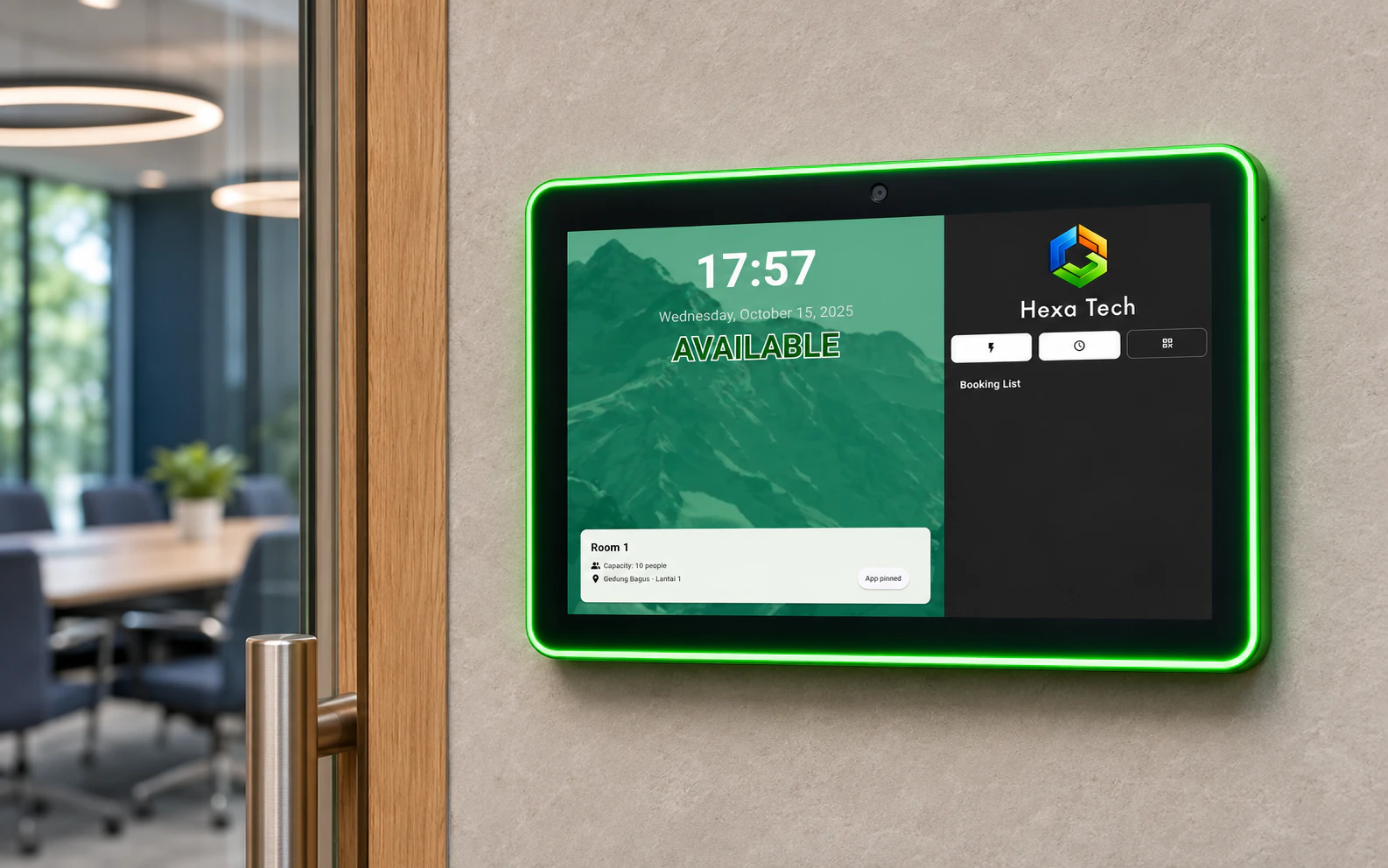
The tablet operates independently, with scheduling and configuration managed directly from the device. There is no requirement for a PC or mobile application to operate the system.
Users can create bookings, manage upcoming schedules, add event information and requirements, register participants, and connect the tablet with an access control system directly from the installed device.
This makes it an ideal choice for locations that want to introduce smart scheduling while keeping the system simple, self-contained, and easy to operate.
The scheduling experience remains the same at the location, but the management capabilities become much more powerful.
Administrators and operators can manage schedules, bookings, participants, and related information remotely through a PC, without having to be physically present at the location where the tablet is installed.
The system can also extend the scheduling experience to users through a mobile application, allowing visitors, employees, players, or other authorized users to register and manage their bookings digitally instead of having to register manually at the tablet.
This creates a connected workflow between the user, tablet, administrator, and access system — making the entire scheduling and facility management process more efficient and scalable.
Tailor Tablet & Cloud to Your Facility
Corporate Office
Meeting rooms, workplace wayfinding, and smart division scheduling.
View Corporate Office Solution →Sport & Athletic Arena
Court scheduling, player registration, activity information, and tournament display.
View Sport & Athletic Arena Solution →Courthouse
Courtroom scheduling, proceeding information, visitor guidance, and controlled access.
View Courthouse Solution →