
OFFICE SMART SCHEDULING TABLET
Turning Meeting Rooms Into Smarter Workspaces
A More Organized Meeting Experience
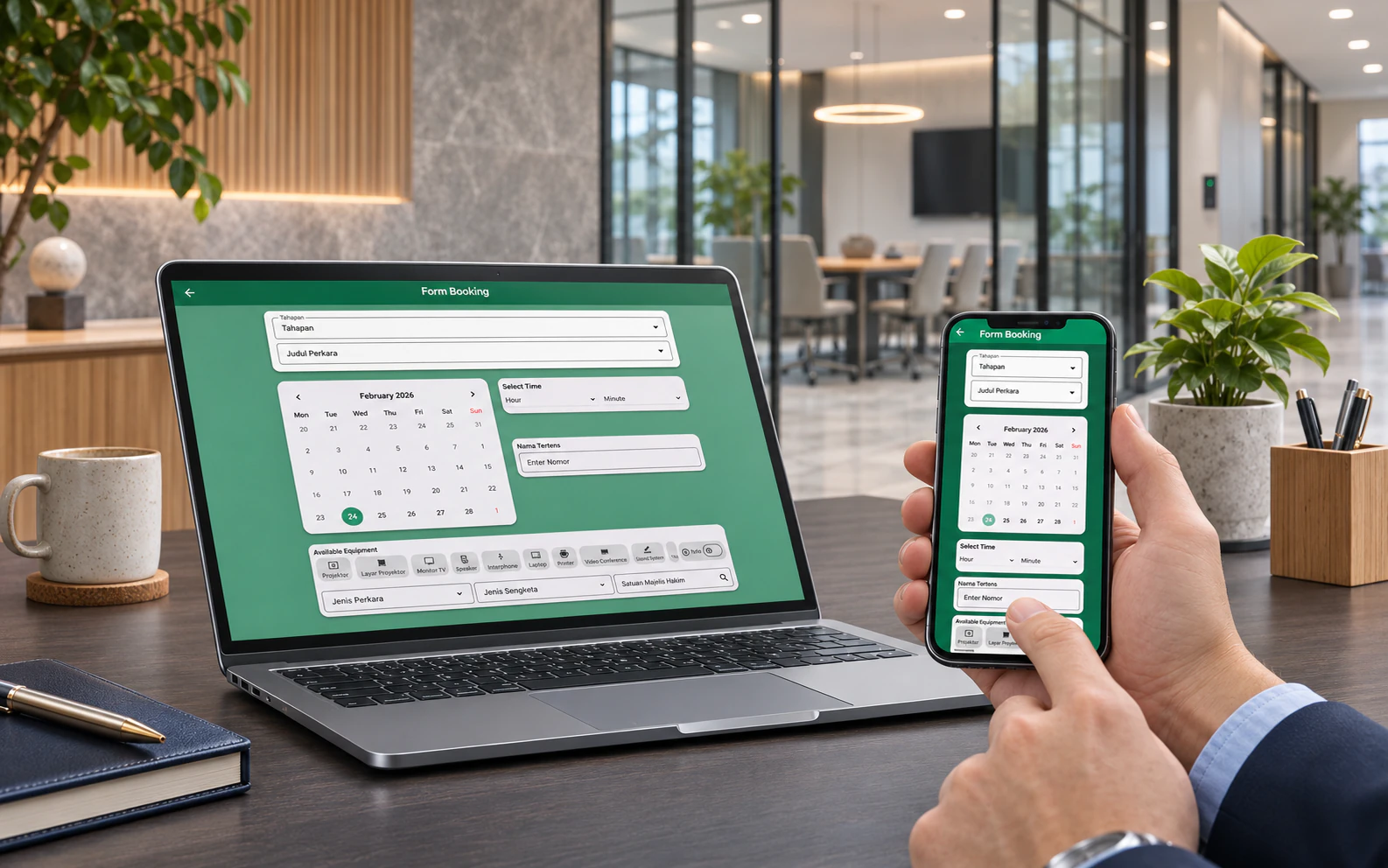
A structured way to associate meeting details directly with room reservations.
A meeting can involve multiple divisions, participants, equipment, and specific requirements.
The system can also become part of the room's access workflow.
MEETING ROOM STATUS
Immediate Visual Status from Distance
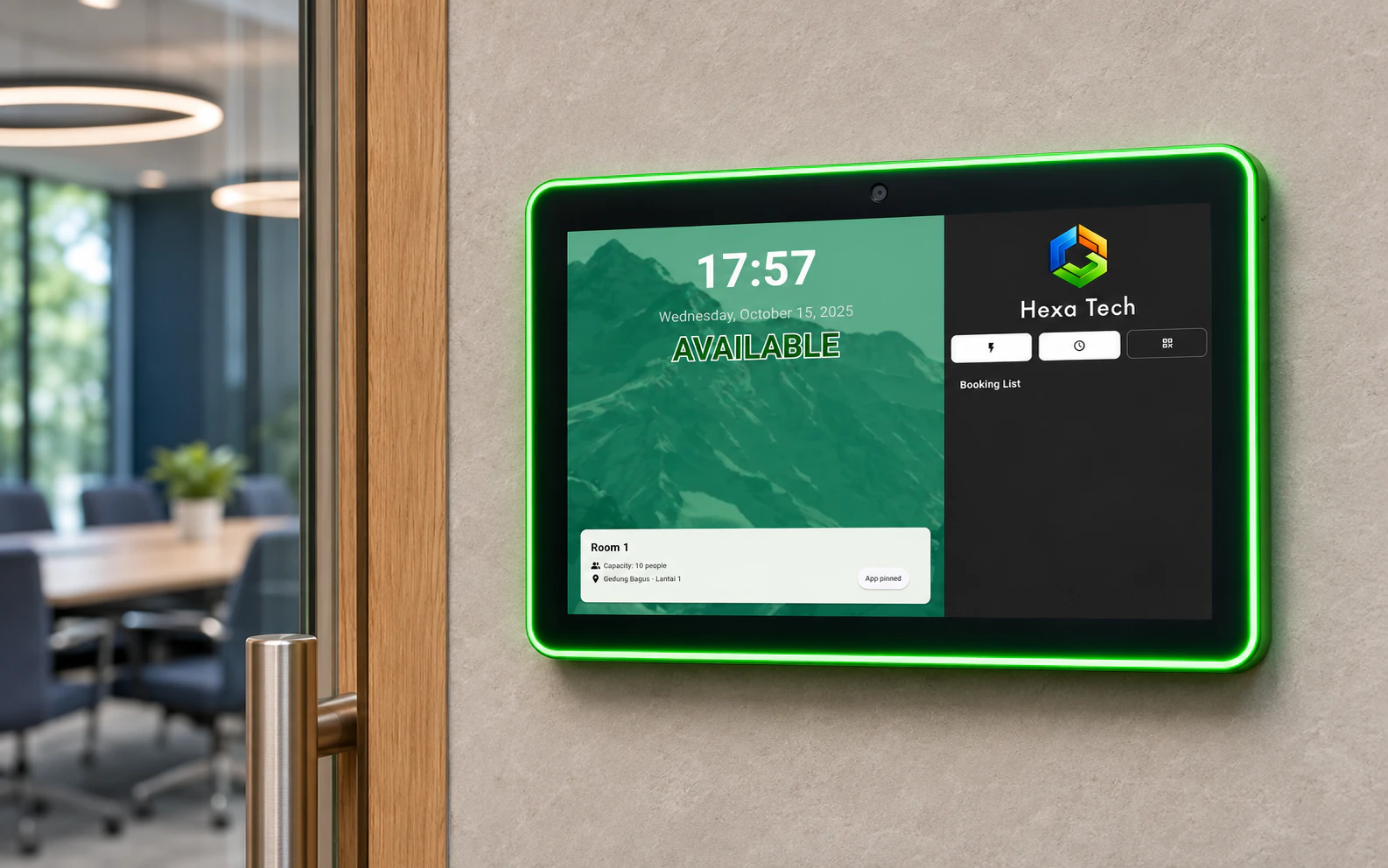
The Smart Scheduling Tablet provides a clear visual indication of the current meeting room status, helping employees and visitors quickly understand whether a room is available or occupied.
 Standalone.webp)
IN USE
UPCOMING
AVAILABLE
CHOOSE THE RIGHT SYSTEM
Standalone System or Access Management System
Everything is operated locally from the tablet installed at the meeting room. This makes the system straightforward to deploy and suitable when the number of rooms and users is relatively limited.
It is a practical starting point for organizations that want to move away from manual room management while keeping the operational structure simple.
The cloud-based platform allows administrators and operators to oversee meeting room activities from a PC without having to visit each room individually.
Employees can also interact with the scheduling ecosystem through a mobile application, reducing dependence on manual registration at the physical tablet.
This creates a connected workflow between employees, meeting rooms, administrators, and access control, making the solution more suitable for larger and more dynamic office environments.
Which One is Right For Your Facility?
- Choose Standalone if you need a simple, independent solution for a limited number of rooms.
- Choose Access Management System if you manage multiple rooms, require centralized administration, or want employees to access booking services digitally.