
SPORT COURT MANAGEMENT
From Court Booking to a More Connected Sports Experience
 Smart Scheduling Tablet.webp)
Dynamic Sports Venue Operations
A sports venue manages more than court availability. A single day can involve regular games, training sessions, coaching activities, clubs, hosts, tournaments, and different groups of players.
Court-Side Dedicated Interface
The Smart Scheduling Tablet provides a dedicated interface at the court or venue, helping transform these activities into an organized scheduling workflow.
Structured Operational Context
Each scheduled activity can carry its own operational context, allowing venue teams to understand not only when a court is occupied, but also what type of activity is taking place and who is involved.
Built Around the Way Sports Venues Operate
Different sports activities can require different arrangements, from casual games to competitive tournaments.
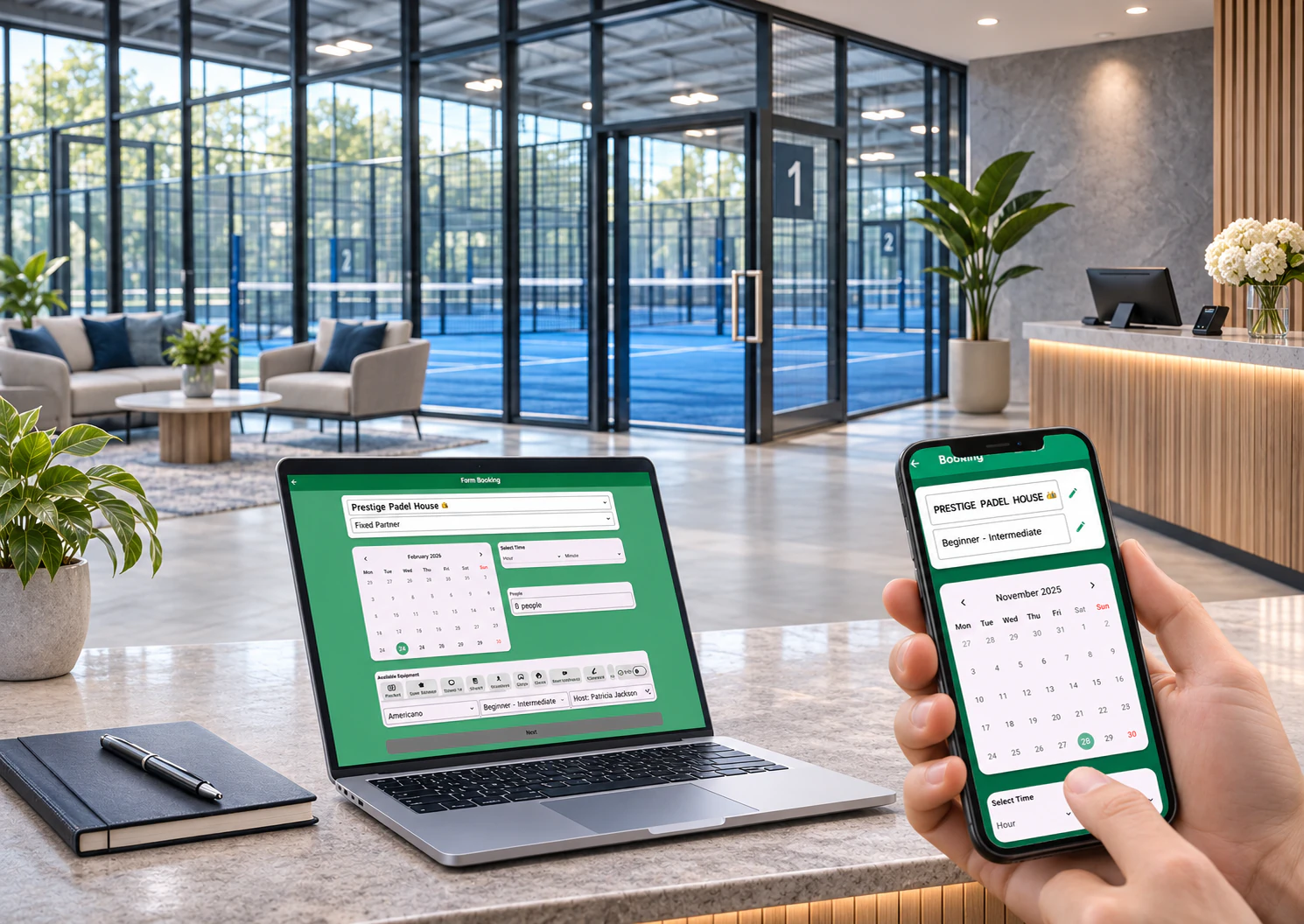
Different sports activities can require different arrangements.
A regular game may have different requirements from a tournament, training session, or hosted event. The scheduling ecosystem is therefore designed to accommodate information that can be adapted to the operational needs of each venue. This provides the foundation for connecting scheduling with other venue systems, such as access control and other supporting facility services.
Integrated Access & Facility Workflow.
When integrated with access control, NFC credentials or facial recognition can be used to connect authorized users with designated areas, creating a smoother transition from registration and scheduling to physical access.
CHOOSE THE RIGHT SYSTEM
Standalone System or Access Management System
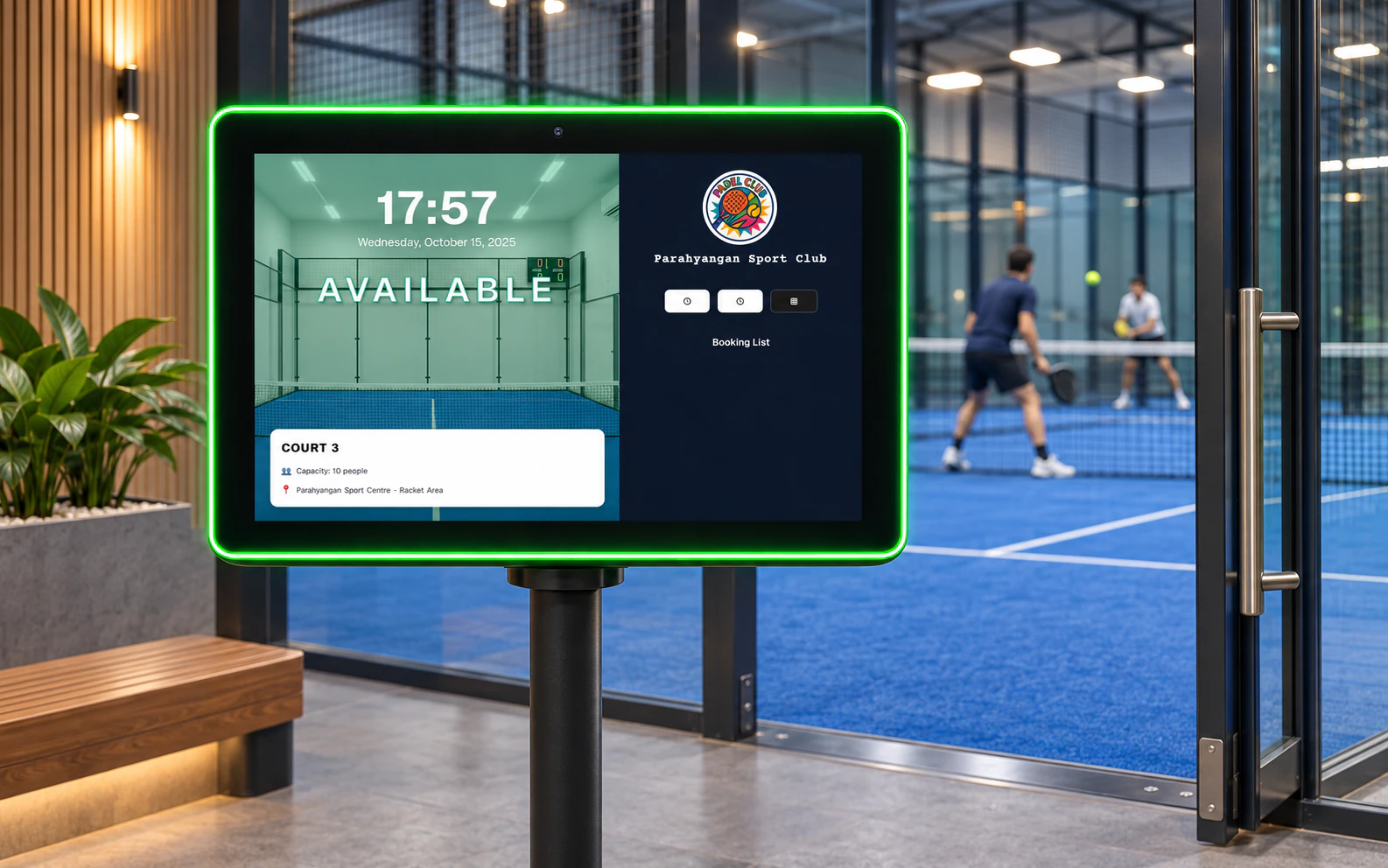
01 — Standalone System
The Standalone System provides a simple way for a sports venue to digitize court scheduling without introducing a centralized management platform.
- The tablet installed at the venue becomes the primary point for managing schedules and related information.
- For smaller facilities, this approach keeps the system easy to operate while providing a more professional experience than traditional manual scheduling.
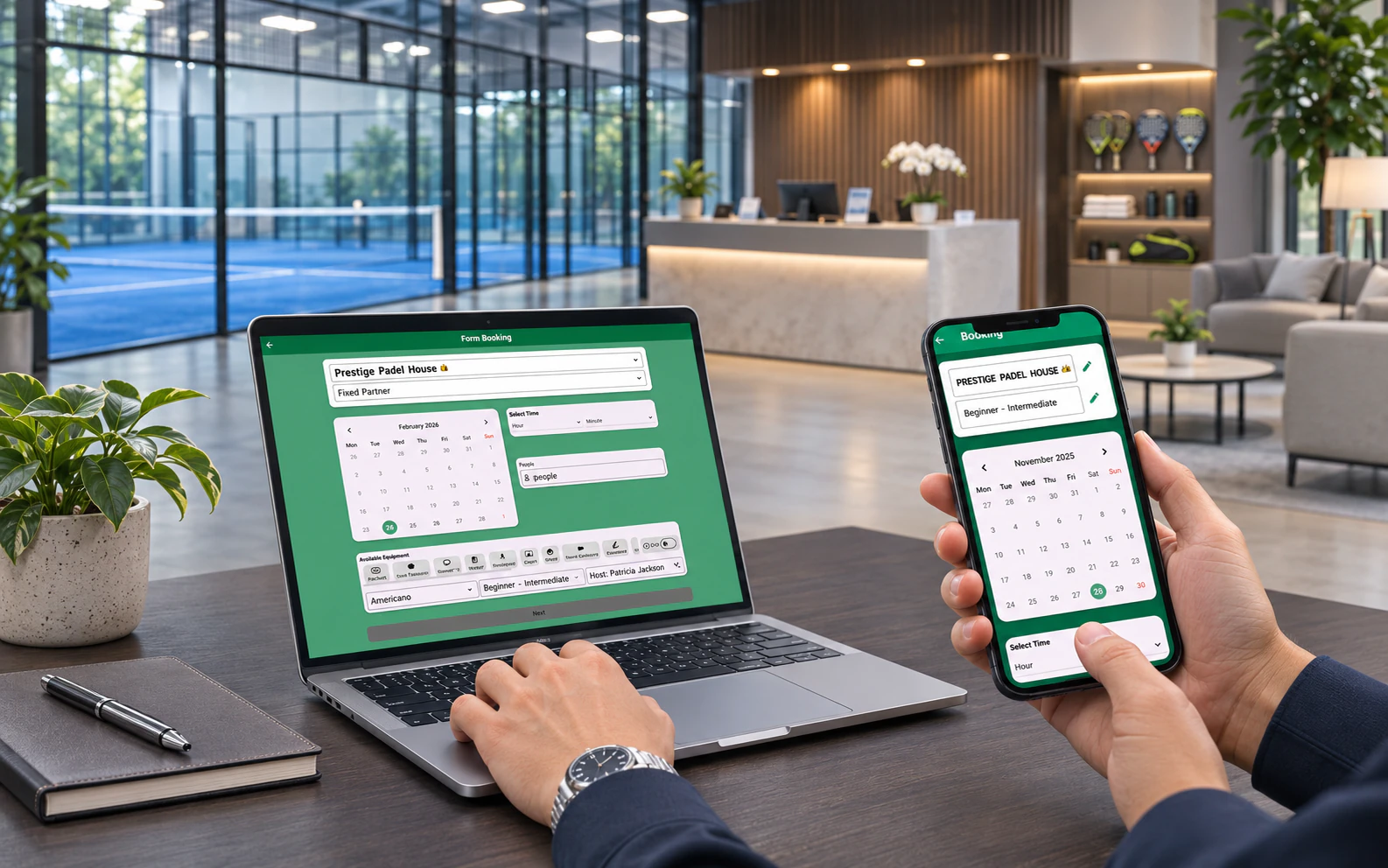
02 — Access Management System
The Access Management System expands the solution into a connected sports venue platform.
- Operators can manage scheduling and related activities remotely through a PC, making it easier to oversee multiple courts or activities from a central location.
- Players and visitors can also interact with the venue through a mobile application, allowing booking or registration to take place digitally before they arrive at the physical venue.
- This is particularly valuable for venues with multiple courts, frequent bookings, clubs, tournaments, or a large number of users.
WHICH ONE IS RIGHT FOR YOUR VENUE?
Choose Standalone System if your venue has a smaller number of courts and you prefer simple, local operation.
Choose Access Management System if your venue handles multiple courts, many users, recurring activities, or requires centralized and remote management.
One great moment. A clip of its own.
Keep your focus on the game. Use the clip controls in your session portal or a connected clipping button to mark the start and end of a moment, while the scheduled recording continues.
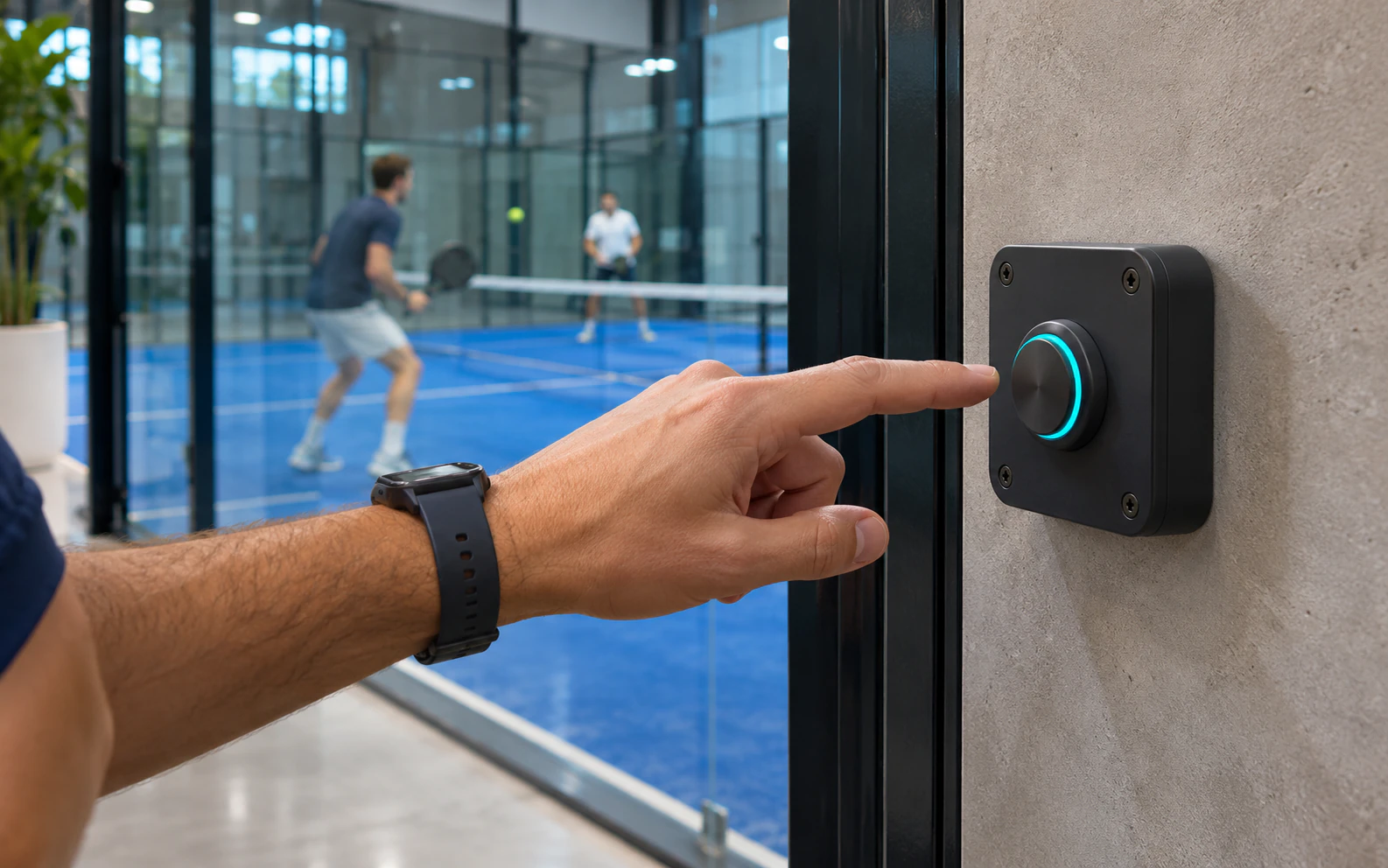
- 01
Press to start a clip
Mark the beginning of a rally, drill, or match moment during an active recording session.
- 02
Press stop to finish
Set the end of the highlight. The marked interval is processed into a separate clip alongside the full session recording.
- 03
Open, download, share
Once processing and upload finish, access the clip through your session portal using its code or link.
Explore Other Facility Environments
See how Tablet & Cloud adapts to other kinds of facilities.
 Smart Scheduling Tablet.webp)
 Smart Scheduling Tablet.webp)