
SMART SCHEDULING TABLET
Smart Scheduling, Access & Event Management
All in One
The Smart Scheduling Tablet is a dedicated smart display designed to simplify how spaces, rooms, courts, and facilities are scheduled, managed, and accessed.
 Smart Scheduling Tablet.webp)
More than just a scheduling screen, it brings booking, event details, participant information, and access control into one integrated device.
Users can check availability, create or reserve schedules, add relevant event requirements, and manage who is attending or using the space, all directly from the tablet.
Its compact and premium design makes it suitable for modern environments that want to improve operational efficiency, user experience, and the overall value of their facilities.
Key Features
 Key Features.webp)
Smart Scheduling
Book a space for immediate use or schedule activities in advance based on available time slots.
Event & Requirement Details
Add important information to each booking, including event details, required equipment, facilities, services, or other resources needed for the activity.
Participant Management
Record the people involved in an activity, meeting, event, or scheduled session for better organization and identification.
Smart Access Integration
The tablet can be integrated with door access systems, allowing authorized users to access designated areas using NFC access cards or facial recognition.
REAL-TIME STATUS INDICATOR
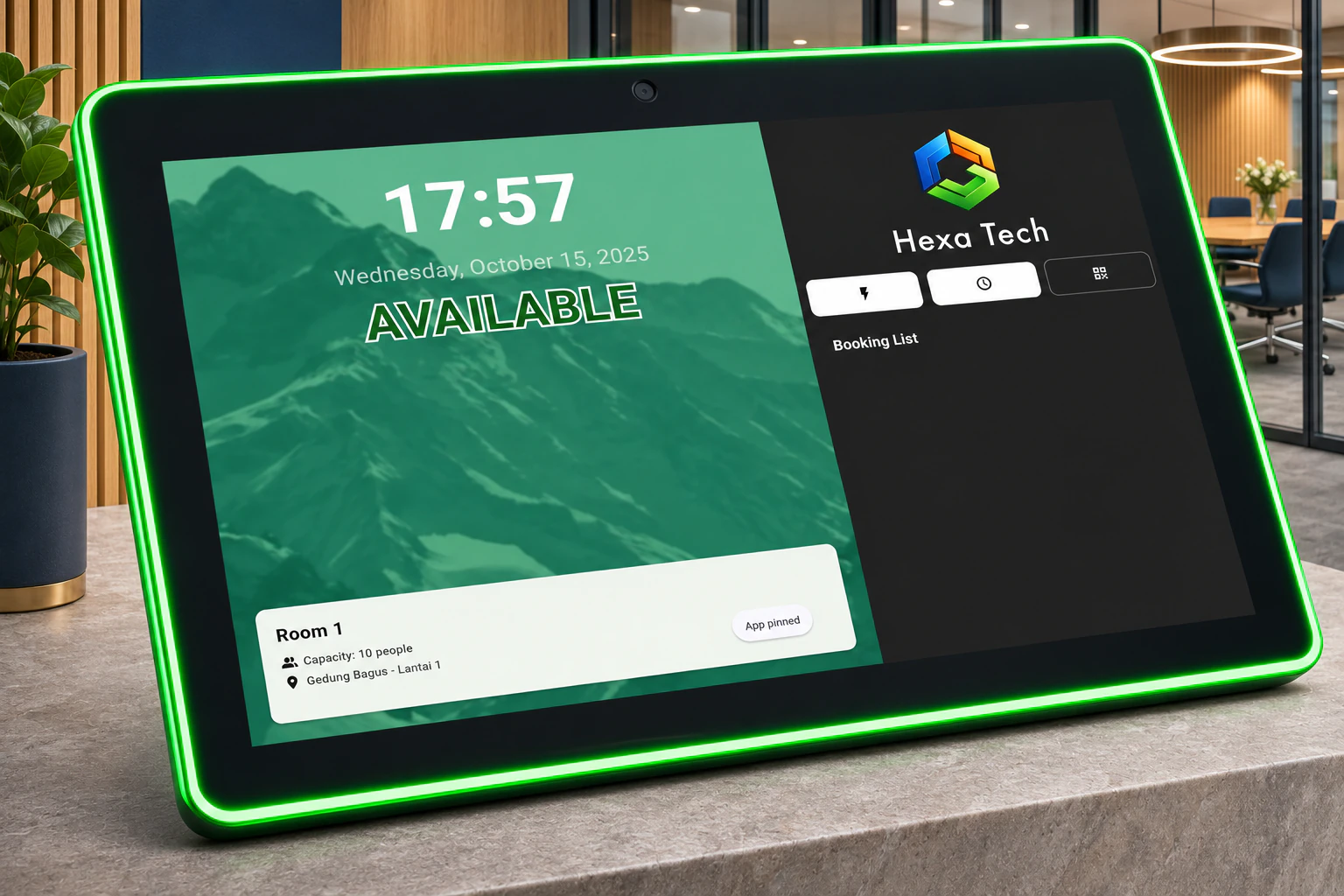
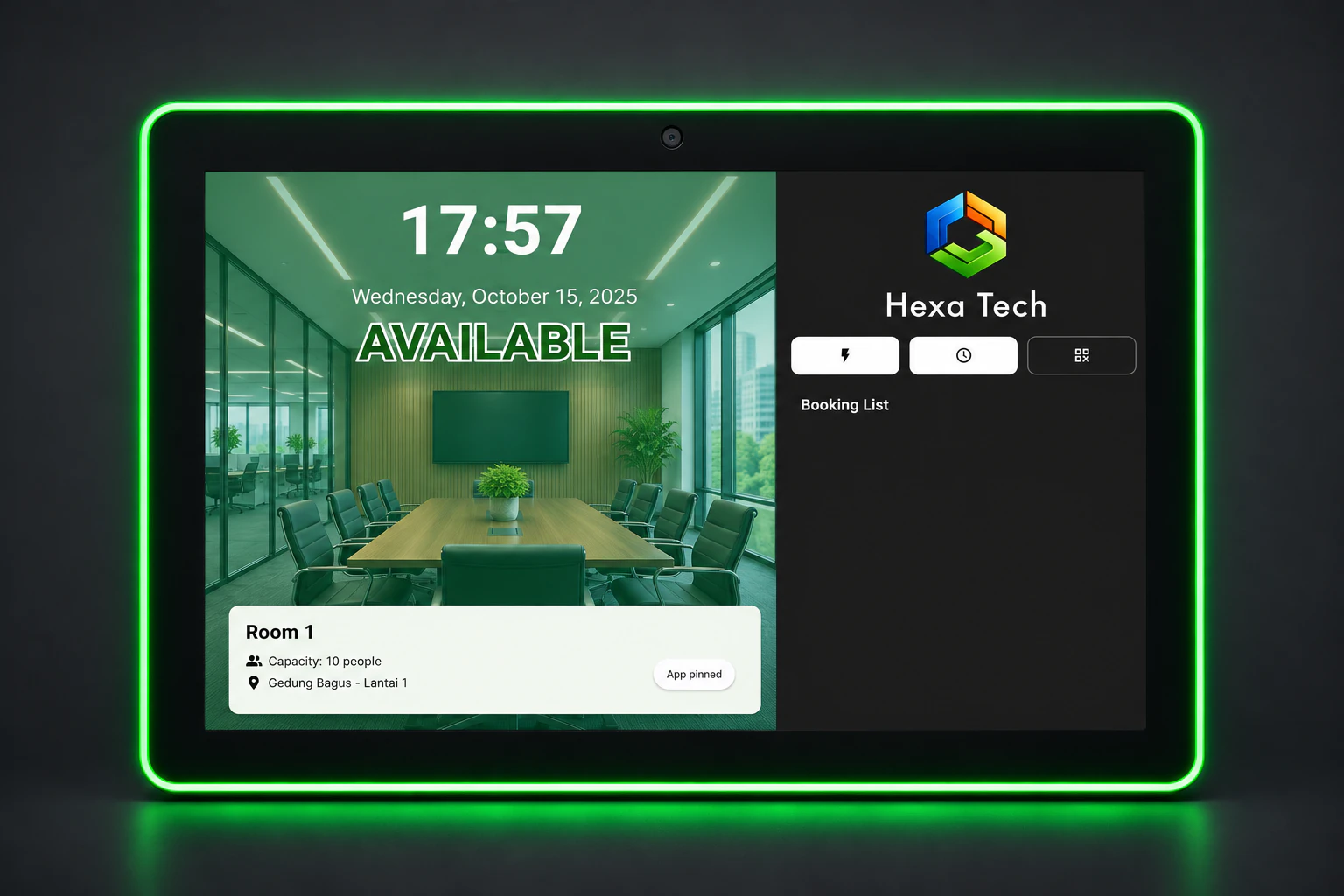
The Smart Scheduling Tablet provides an intuitive visual status indicator that allows users to understand the current condition of the room or location at a glance. The integrated LED indicator changes according to the current scheduling status:
 Status Green.webp)
Green — AVAILABLE
The room or location is currently available for use.
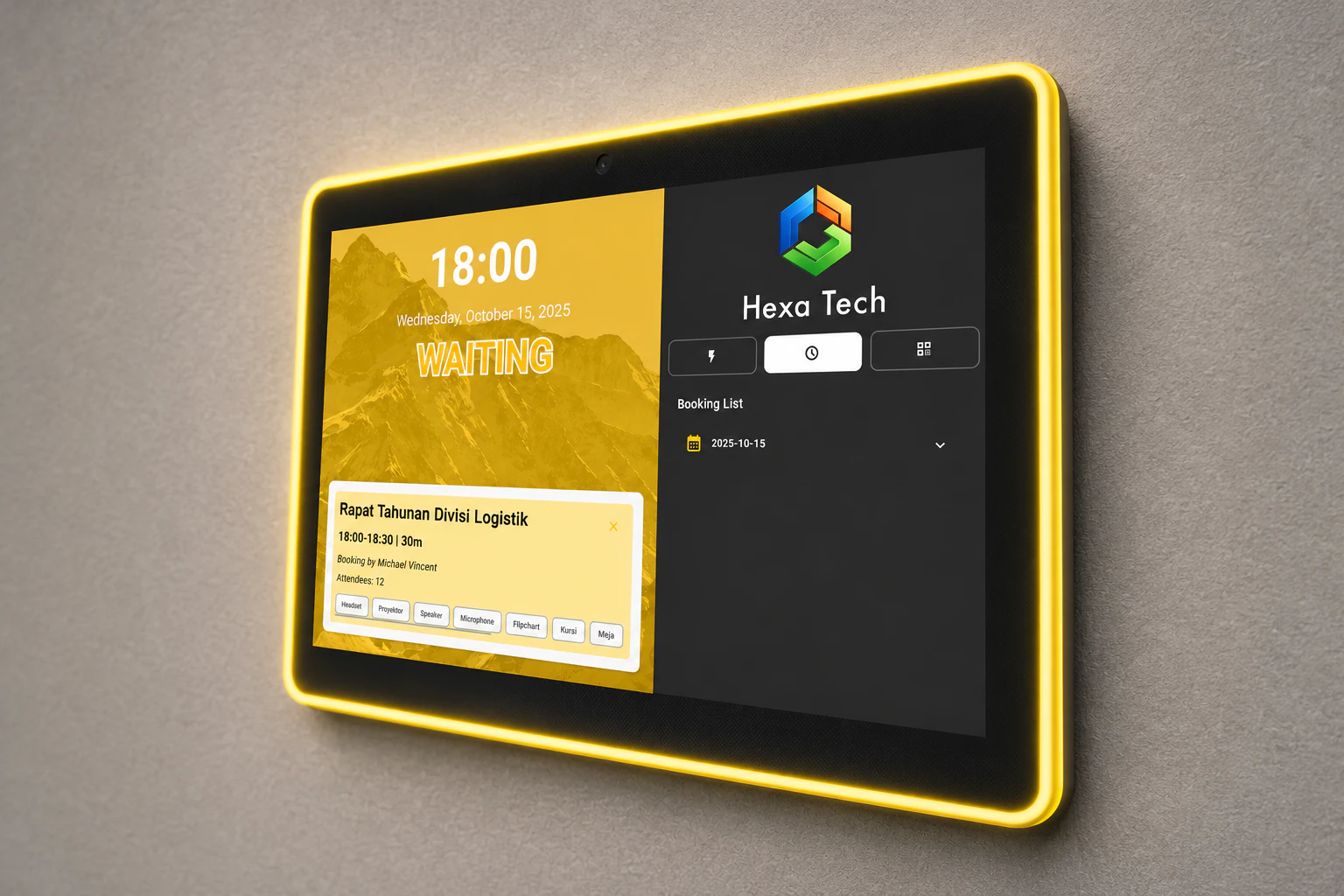
Yellow — UPCOMING
A scheduled activity will begin soon.
 Status Red.webp)
Red — IN USE
An activity or event is currently taking place.
This simple visual system makes it easier for users to recognize availability and activity status without having to review the complete schedule.
Display & Hardware
Designed to function as both an information display and an interactive scheduling interface, the Smart Scheduling Tablet features a 10-inch 2K OLED display for a sharp, clear, and premium visual experience.
TWO SERIES.
ONE SMART SCHEDULING EXPERIENCE.
01 — STANDALONE SYSTEM
A simple and practical solution for small-scale companies, facilities, and locations that want to improve their scheduling experience without requiring a centralized management system.
- The tablet operates independently, managed directly from the device
- No PC or mobile application required
- Create bookings, add event details, and register participants on the device
- Self-contained, simple, and easy to operate
02 — ACCESS MANAGEMENT SYSTEM
For organizations that require centralized management and greater flexibility, the Smart Scheduling Tablet can be upgraded with the Access Management System, a cloud-based management platform.
- The scheduling experience stays the same at the location
- Manage schedules and participants remotely through a PC
- A mobile application extends booking to users
- A connected workflow between user, tablet, administrator, and access system
Explore Facility Environments
Choose a specialized environment to view relevant workflows, detailed specifications, and facility integrations.
 Smart Scheduling Tablet.webp)
 Smart Scheduling Tablet.webp)